01
Typing
QWERTY · key by key
40words / min
35% complete
At 40 words per minute, typing this sentence takes about 15 seconds. At the 5.3 second checkpoint, it is about 35 percent complete.
Private voice dictation for Mac & Windows
Dictro turns your speech into clear, polished writing entirely on your device. No cloud. No uploads. Just your words, perfectly written.
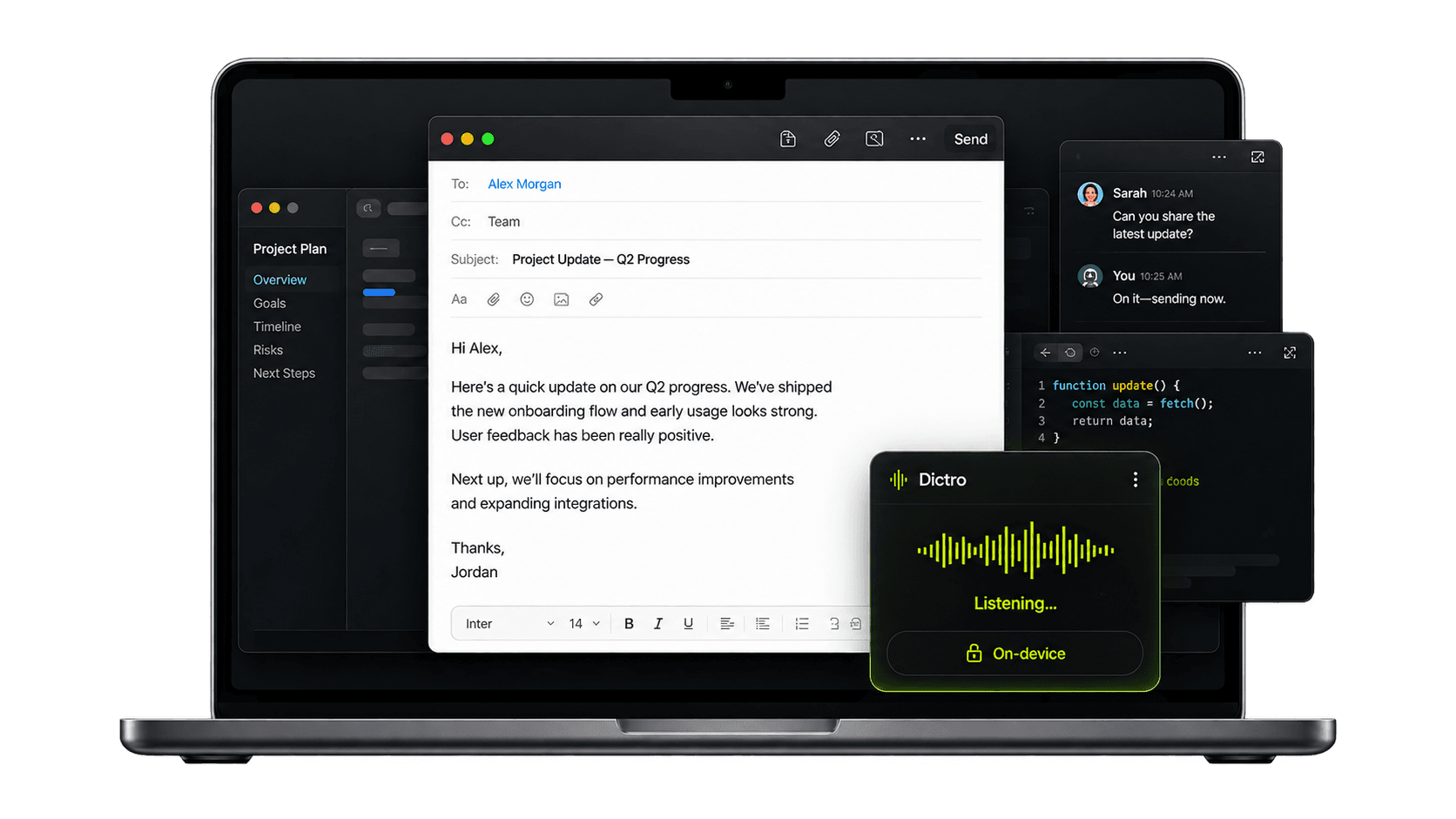
Private, period
The speech and language models run entirely on your Mac. Switch Wi-Fi off, board a plane, sit behind a locked-down network — Dictro keeps working, and your voice never leaves the device.
On-device is not a setting you have to find — it is the only way Dictro works. There is no cloud transcription mode at all.
The live pipeline
Dictro is designed around the way ideas actually arrive: fast, imperfect, and rarely in neat paragraphs. Watch the local pipeline turn a real first take into ready-to-send writing.
Dictro listens while you hold Right Option, transcribes and cleans the completed recording on your Mac, then pastes “Could you send Priya the Q3 numbers by end of day? Thanks.” at the cursor.
Zero-friction workflow
No recording dashboard. No transcript inbox. Dictro stays out of the way until the moment your keyboard starts slowing you down.
Download for MacAny Mac app
Hold Right Option wherever your cursor is. No new window, no copy-and-paste ritual.
Up to 150 wpm
Rambling, pauses, and mid-sentence corrections are welcome. Dictro listens for what you mean.
Processed locally
The local pipeline removes filler, fixes structure, and places the finished sentence at your cursor.
The human advantage
Same thought. Two input methods. Watch the difference compound.
The same ten-word sentence takes about 15 seconds to type at 40 words per minute and 4 seconds to speak at 150 words per minute.
QWERTY · key by key
40words / min
At 40 words per minute, typing this sentence takes about 15 seconds. At the 5.3 second checkpoint, it is about 35 percent complete.
Dictro voice · hands free
150words / min
At 150 words per minute, Dictro completes the same sentence in about 4 seconds: Push the launch to Friday — marketing needs two more days.
At the 5.3-second checkpoint, voice is already done; typing still has most of the sentence left.
Complete privacy
Every step of every dictation runs locally on your Mac. Your audio and transcripts are never sent to us — not even for processing. There is no cloud mode: 100% of transcription and formatting happens on your device.
Local speech and language models work without Wi-Fi, so your recording never needs to leave your device.
Your finished words go directly into the text field you chose. Dictro does not receive or keep a copy.
Transcript history is off by default. If you enable it, those private notes are stored only on your Mac and never used for training.
Made for the Mac
A native tool should feel like part of the system: fast to call, predictable in every app, and quiet when you do not need it.
Mail, Slack, Xcode, Notion, the browser — if your Mac accepts typing, Dictro works there.
Speech recognition and language cleanup both run on your machine — the audio never leaves it. There is no cloud mode.
Dictate on a plane, on a locked-down network, or with Wi-Fi switched off.
False starts disappear. Punctuation lands. The sentence reads like you had time to polish it.
Choose to keep every dictation as a private note on your Mac — browse, search, and reuse past transcripts whenever you need them. Off by default, stored locally, never uploaded.
A native control room
Dictro gives you a calm home for your shortcut, vocabulary, personalization, and usage — then disappears behind one hotkey.
Answers, without the fine print
No. The speech and language models run locally on your own machine, and dictation keeps working with Wi-Fi off. There is no cloud transcription mode — your audio and transcripts are never uploaded.
On Mac: Apple Silicon — M1 or newer — running macOS 15 or later. On Windows: a 64-bit (x64) PC running Windows 10 or 11.
Yes. Dictro for Windows runs on Windows 10 and 11 and dictates on-device just like the Mac app, with the same free plan of 10,000 words a week and the same Pro subscription — one account covers both. The installer isn't code-signed yet, so Windows will show an “unknown publisher” prompt the first time — choose More info, then Run anyway. See Dictro for Windows, or download it here.
Any app with a text field: Mail, Slack, Notion, Xcode, terminals, browsers, and more.
Dictro adds a local refinement pass that removes filler, handles corrections, and turns the raw transcript into polished prose.
Right now only English is supported. We're actively adding support for other languages as well.
Only if you ask it to. Transcript history is off by default; when you turn it on, recent dictations are kept as private notes on your own computer — searchable and reusable — and they are never uploaded anywhere.
Right now, on either platform. Download Dictro for free, sign in, and start dictating in any app — no card needed. You get 10,000 words a week on the free plan, on Mac and Windows alike.
Available now
Download Dictro for macOS, sign in, and start dictating anywhere in minutes.
macOS available now · Also on Windows